





HP 14″ Student-Laptop Back to School, Quad Core Intel Processor N150(Up to 3.6GHz) 16GB RAM 384GB Storage(128GB UFS + 256GB SD Card) Laptops for Student with 1-Y office365 Win11



Price: $61.99
(as of Nov 19,2025 14:16:58 UTC – Details)

We sells laptop-computer with upgraded configurations. If the computer has modifications (listed above), then the manufacturer box is opened for it to be tested and inspected and to install the upgrades to achieve the specifications as advertised. If no modifications are listed, the item is unopened and untested. Defects & blemishes are significantly reduced by our in depth inspection & testing.
Microprocessor:Intel Processor N150 (4 Cores, up to 3.6 GHz)
Graphics Type: Integrated
MemoryUpgraded to 16GB DDR4 RAM
Video graphics:Intel UHD Graphics
Display:14″” HD (1366 x 768), micro-edge
Wireless connectivity:Wi-Fi 6 and Bluetooth 5 combo
External ports:
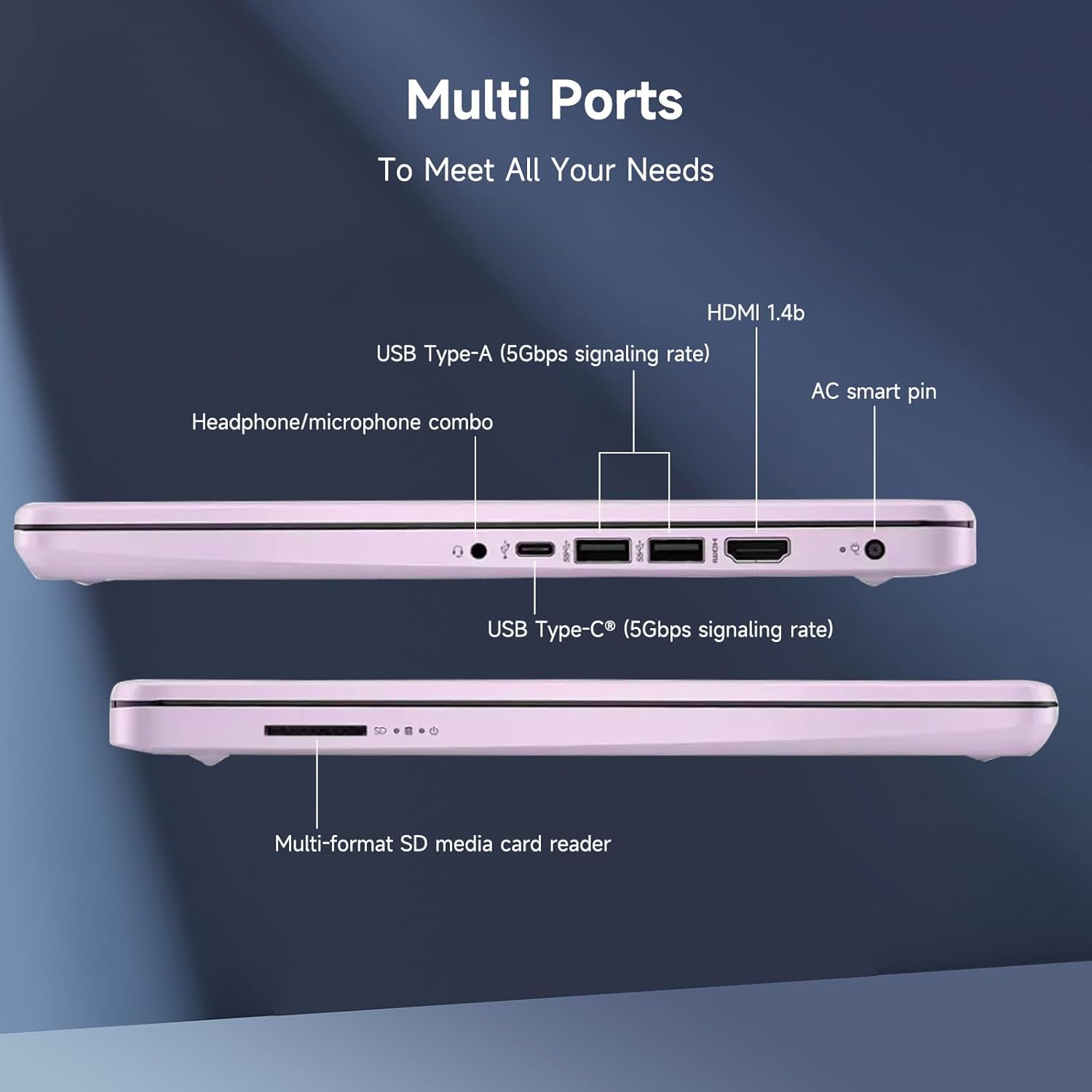
1 x SuperSpeed USB Type-C 3.0
2 x SuperSpeed USB Type-A 3.0
Minimum dimensions (W x D x H):12.76 x 8.86 x 0.71 inches
Weight:3.24 LB
Power supply type:45 W AC power adapter
Battery type:3-cell, 45 Wh Li-ion polymer
Battery life mixed usage:Up to 11 hours
Webcam:HP Wide Vision 720p HD camera with camera shutter and integrated dual array digital microphones
Operating system:Windows 11 Home
” How to switch s mode to windows 11
On your PC running Windows 11 in S mode, open Settings > Update & Security > Activation.
In the Switch to Windows 11 Home or Switch to Windows 11 Pro section, select Go to the Store. (If you also see an “Upgrade your edition of Windows” section, be careful not to click the “Go to the Store” link that appears there.)
On the Switch out of S mode (or similar) page that appears in the Microsoft Store, select the Get button. After you see a confirmation message on the page, you’ll be able to install apps from outside of the Microsoft Store.
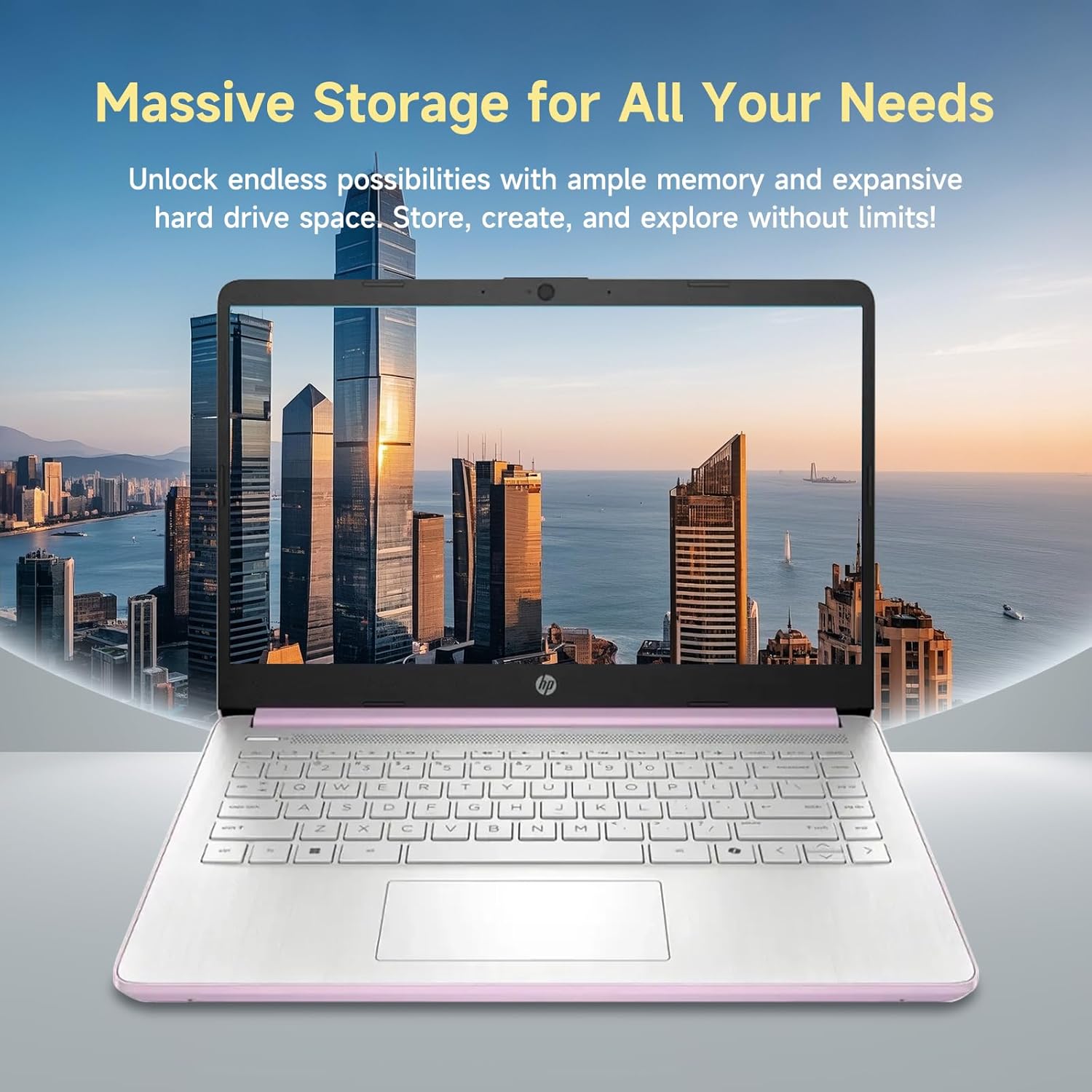
【Powerful Performance for Study & Play】 Equipped with a Quad-Core Intel Processor (up to 3.6GHz), HP laptop ensures fast, seamless multitasking for studying, online classes, and entertainment. The 16GB RAM and 384GB storage (128GB UFS + 256GB SD card) provide plenty of space for your work and media files.
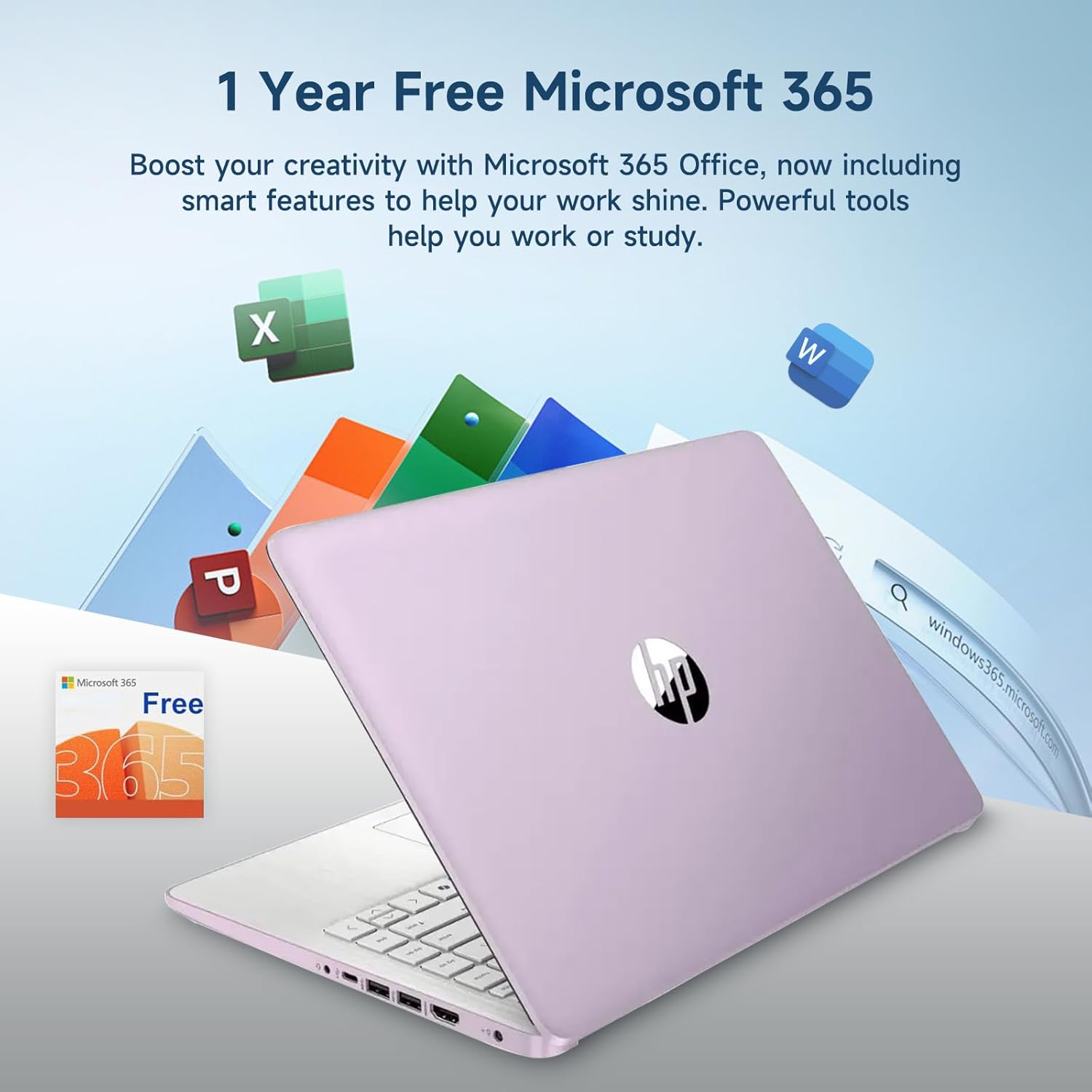
【Ready for School with Office 365 & Windows 11】 Get the tools you need to succeed with a 1-year subscription to Office 365, including Word, Excel, PowerPoint, and more. Coupled with Windows 11, this HP laptop computer offers a smooth, modern experience for all your academic needs and beyond.
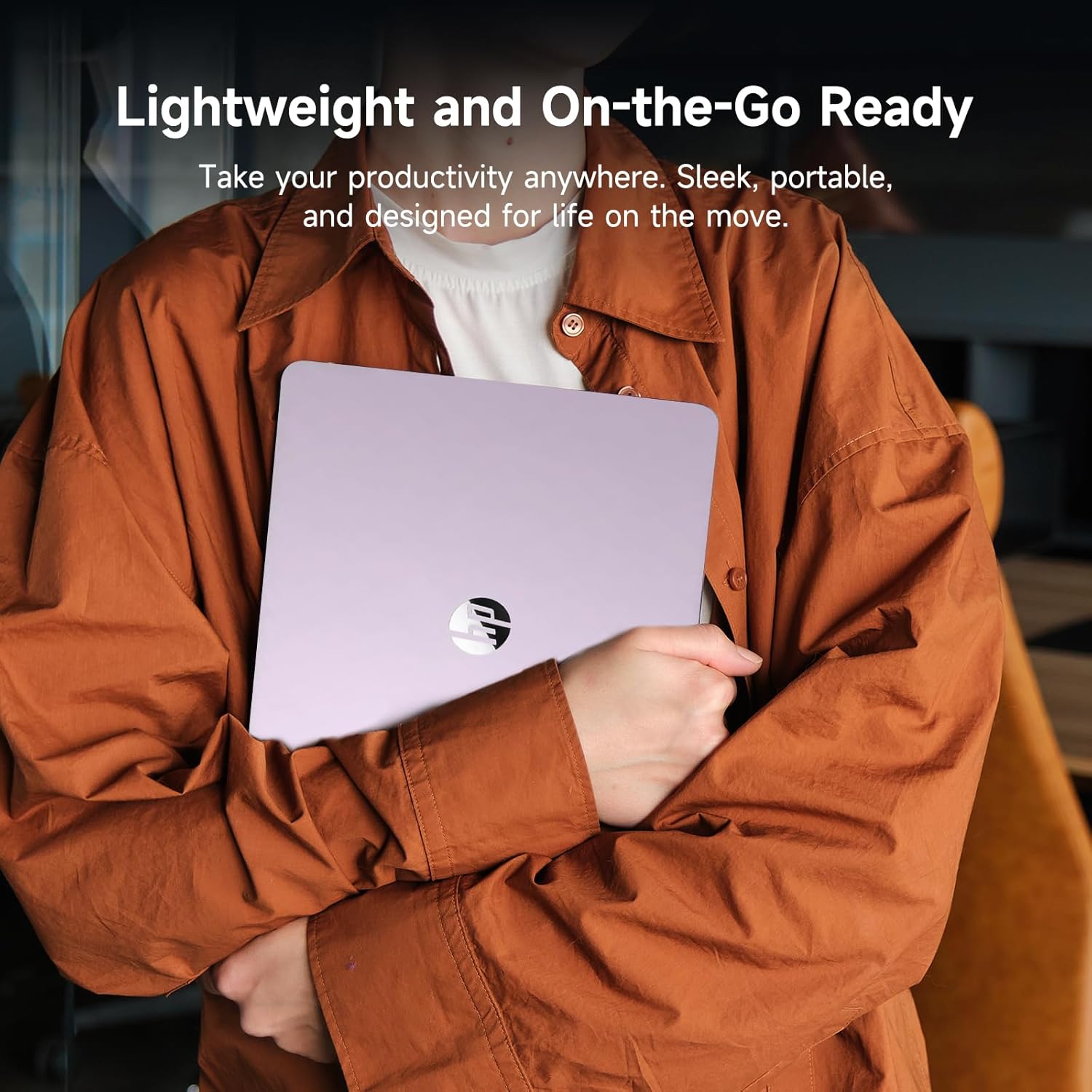
【Lightweight & Perfect for On-the-Go Students】 Designed for students and families on the move, this HP 14 inch laptop is lightweight and portable, making it ideal for carrying between classes, libraries, or your favorite study spots. A stylish, durable companion for all your day-to-day tasks.
Windows 11 Home in S mode (You may switch to regular windows 11: Press “Start button” bottom left of the screen; Select “Settings” icon above “power” icon;Select Update & Security and Activation, then Go to Store; Select “Get” option under “Switch out of S mode”; Hit Install.)
【Activate 1 Year MS office 365】Activate pre-installed Office: 1.Launch any Office app > 2.Start your activation by signing in with your Microsoft account(Create a account if you don’t have one yet) > 3.Click “Activative Office” > 4.Sign in your account and follow the next prompts. > 5.Complete Step 1,2 and 3 > 6.Click on Refresh once Office is ready > 7.Open a document and accept the license agreement.
THE ROYELVISBAND MUSIC


