







256GB Photo Stick for iPhone Flash Drive, Memory Stick Phone Storage for Photos and Videos Files Backup, Compatible with iPhone iPad Android PC, Plug & Play, No App Required (Blue)




Price: $19.78
(as of Mar 01,2026 01:01:14 UTC – Details)

Product description


Do you want to make your Phone more convenient?
Are you tired of your Phone running out of memory?
Do you want to keep enough Phone memory during your trip?
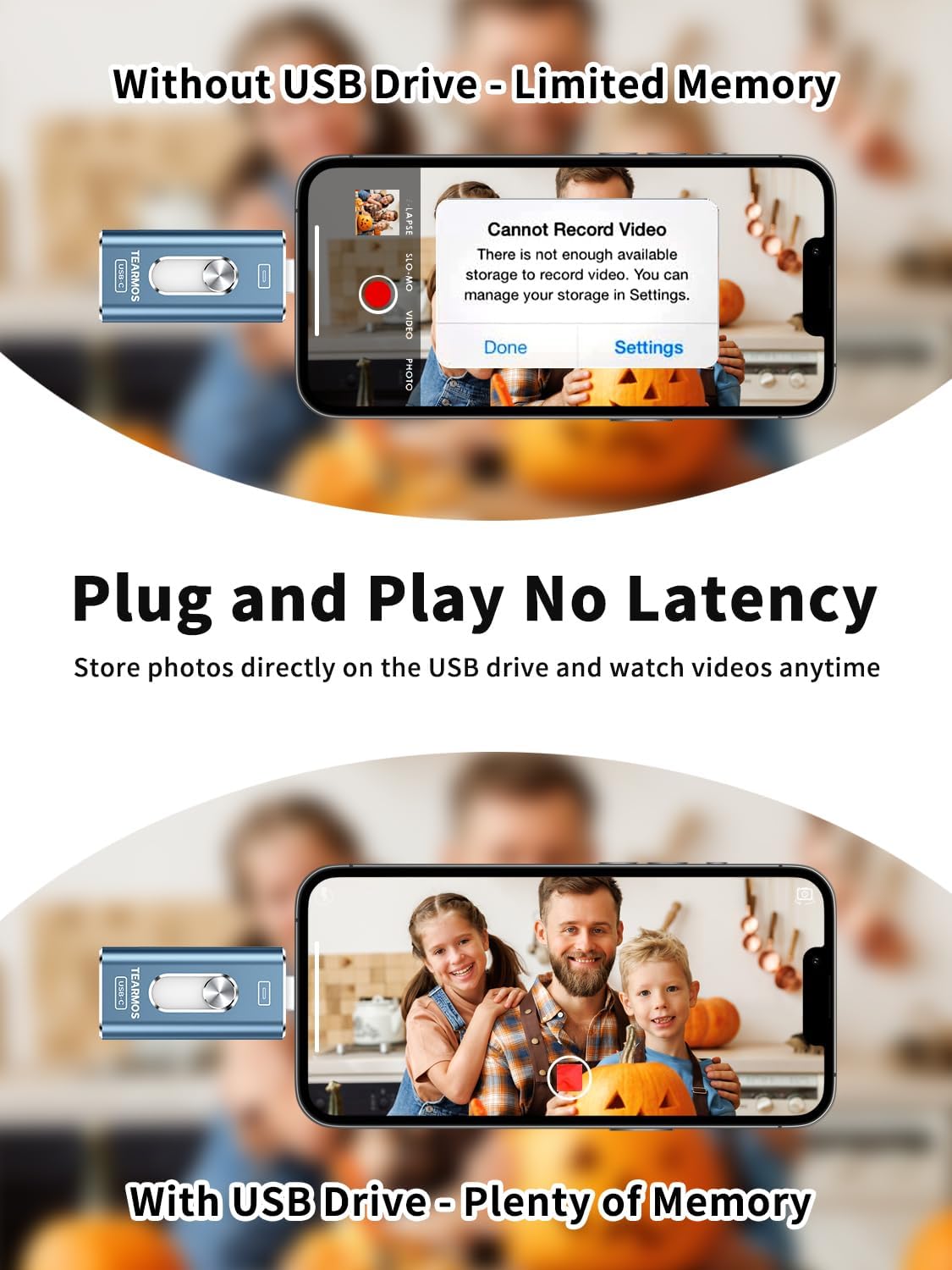
Plug and Play, No Application Required! Never lose important documents, videos, photos again thanks to large and reliable Phone flash drives.
Free up iPhone and iPad Memory Space Immediately
If your iPhone or iPad has almost used up all the memory space, this iPhone USB storage flash drive can help alleviate 256GB of storage space. Whether you like to shoot short videos or take selfies, our iPhone memory stick are perfect for you.
One-Click Backup
You can easily backup with one click and manage files at any time. No need of iTunes, manage files, pictures and videos through the mobile app to quickly backup to iPhone flash drive, save the storage space of the mobile phone, and at the same time, operations such as forwarding files on the USB drive can be performed.
Plug and Play
Share your photos, videos, songs and other files between iPhone picture stick easily. You don’t have to pay extra for additional storage, just insert iPhone external storage and enjoy the extra space of your flash drive.
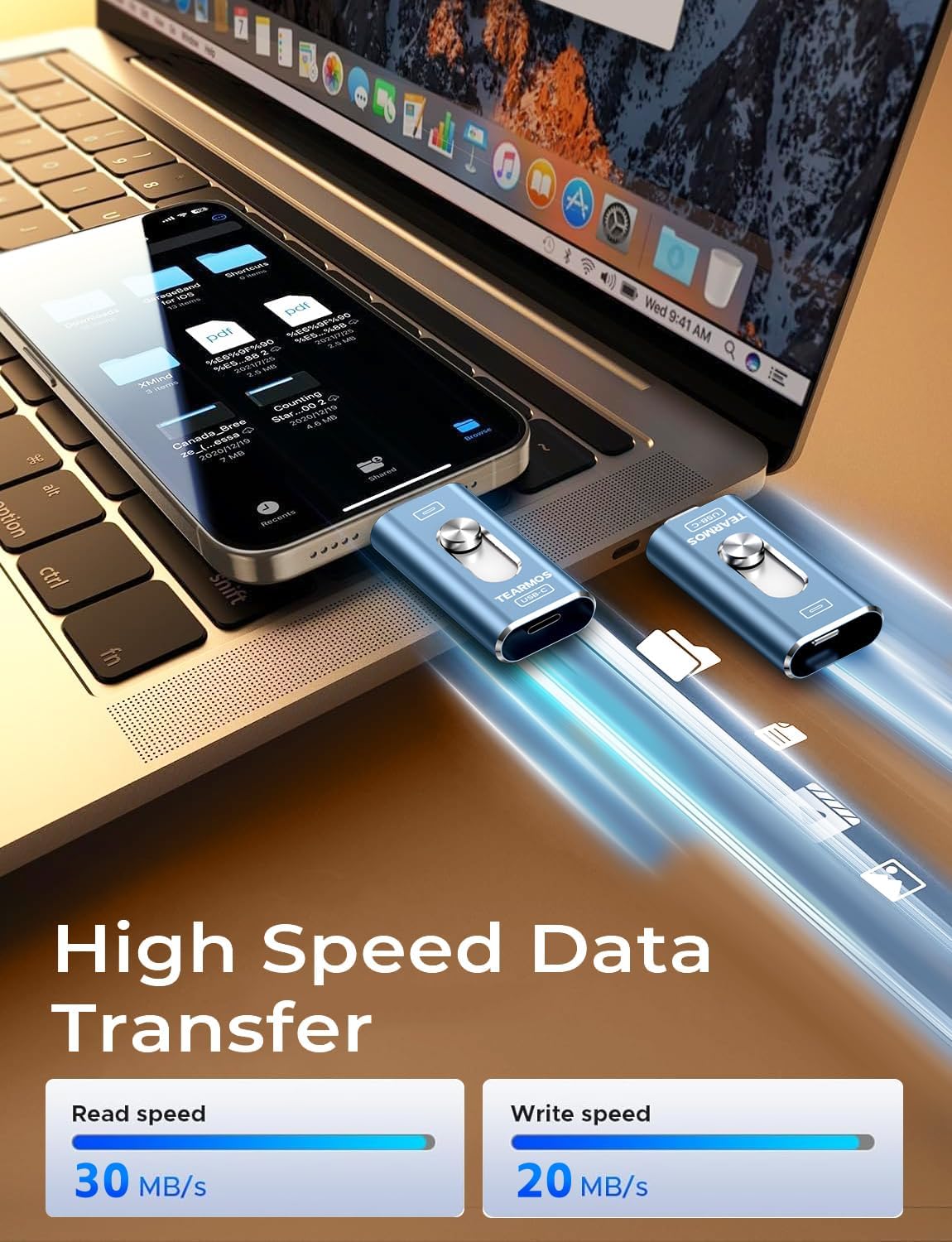
High Transfer Speed Smart and upgraded chip with high efficiency and stability. read speed up to 30MB/s and write speed up to 20MB/s. The upgraded chip provides you with more efficient storage experience. Universal Compatibility 1) Compatibility iPhone 16 Series/ iPhone 15 Series/ iPhone 14 Series/ iPhone 13 Series/ iPhone 12 Series/ iPhone 11 Series/ iPhone SE Series/ iPhone X Series/ iPhone 8 Series/ iPhone 7 Series/ iPhone 6 Series. (Tip: Please upgrade your phone version to iOS 13 or higher if necessary) Universal Compatibility 2) Compatibility iPad Pro 12.9-inch (1st to 6th generation series)/ iPad Pro 11-inch (1st to 4th generation series)/ iPad Pro 10. 5-inch/ iPad Pro 9. 7-inch/ iPad Air (5th gen)/ iPad Air (4th gen)/ iPad Air (1st gen/2nd gen)/ iPad (5th to 10th generation series)/ iPad mini (6th gen) (5th gen)/ iPad mini 4/ iPad mini 3/ iPad mini 2. (Tip: Please upgrade your phone version to iOS 13 or higher if necessary) Universal Compatibility 3) Compatibility Android smartphones (Need to open OTG function). Also support computers and other devices with USB-C Ports. Example: Samsung Galaxy/ Huawei/ Xiaomi/ OPPO etc. (Tip: Micro USB port phone devices are not supported) How to use on iPhone & iPad? Requires iOS 13 and Higher: Simply insert the flash drive into your iPhone iPad, then go to the “Files” app, Click back to “Browse” and find the flash drive named “Untitled”, Move photos videos and files to your iPad or iPhone as needed. How to use on Android Phones? Android phones need to support OTG, and flash drives can be found in the “File Manager” of most Android devices. Kindly Note 1) You cannot transfer or view media files downloaded from iTunes or other third-party applications. Because these files are protected by digital rights management. Kindly Note 2) If you used iCloud before, you need to download files to your iPhone/iPad and then copy them to the iphone external storage. Kindly Note 3) The phone case may prevent the proper connection between a phone and a USB flash drive, which could result in the phone being unable to recognize the USB flash drive. In this situation, please do not conclude that the usb flash drive cannot be used, remove the phone case and try again. Kindly Note 4) The way your phone supplies power to external devices is that if your phone’s screen is turned off, no power is supplied. Therefore, the flash drive cannot be recognized without power. (* Solution: For better use, we recommend that you set your phone to “never” turn off the screen when transferring large files.) Kindly Note 5) For Flash Media Devices, 1 megabyte = 1 million bytes; 1 gigabyte = 1 billion bytes. Actual useable capacity may vary. Some of the listed capacity is used for formatting and other functions, and thus is not available for data storage. Kindly Note 6) Up to 30MB/s read speed, write speed is lower. Based on internal testing; performance may be lower depending on the host devices and user’s settings and configurations.
【Plug and Play, Expand iPhone and iPad Storage Instantly, No App Required】Running out of space on your iPhone or iPad? This 256GB photo stick offers immediate storage relief. Ideal for travel photographers editing on iPads, it eliminates storage worries across all your devices. Just plug it in, no complex setup required, allowing you to store precious memories and important files with ease.
【3 in 1 Multi-Port Phone Storage Drive】Our versatile 3 in 1 phone storage flash drive features separate USB-C, USB-L, and USB ports (with an Adapter), streamlining data transfer between devices. Say goodbye to cables, iTunes, and iCloud restrictions. Compatible with iPhone 16/15/14/13 series, iPad Air/Pro, Android smartphones (with OTG enabled), and computers. (Note: Requires iOS 13 or higher for iPhone; Android devices must support OTG)
【Blazing Fast Transfer Speeds】Transfer photos, videos, and files in a flash! With read speeds up to 30 MB/s and write speeds up to 15 MB/s, our USB stick outperforms standard drives. Edit on the go without buffering or lag, and enjoy a smoother workflow. Lets you effortlessly backup and organize photos, and videos from your phone straight to the phone storage photo stick, freeing up valuable device space. (Note: Just plug in and access via the “Files” app, no third-party software required.)
【Play Videos, Photos, and Music Directly】Store your favorite media on the flash drive and enjoy seamless playback on your iPhone or iPad, anytime, anywhere, no internet connection needed. It supports a wide range of video and image formats, making it the perfect solution for organizing your digital library.
【How to Transfer in iPhone iPad】Requires iOS 13 and Higher: Simply insert the flash drive into your iPhone iPad, then go to the “Files” app, Click back to “Browse” and find the flash drive named “Untitled”, Move photos videos and files to your iPad or iPhone as needed.
【How to transfer in Android Phones】Android phones need to support OTG, and flash drives can be found in the “File Manager” of most Android devices.
【Kindly Note】1) For Flash Media Devices, 1 megabyte = 1 million bytes; 1 gigabyte = 1 billion bytes. Actual useable capacity may vary. Some of the listed capacity is used for formatting and other functions, and thus is not available for data storage. 2) Up to 30MB/s read speed, write speed is lower. Based on internal testing; performance may be lower depending on the host devices and user’s settings and configurations.
【Kindly Note】The phone case may prevent the proper connection between a phone and a usb flash drive, which could result in the phone being unable to recognize the usb flash drive. In this situation, please do not conclude that the usb flash drive cannot be used, remove the phone case and try again.
THE ROYELVISBAND MUSIC


