This is the second item I’ve used from the snappily-named ‘PVBCTCSID’ brand, and like the first (a single-monitor DisplayPort switch), this works exactly as expected and is very handy. It’s ideal for one of the dual-monitor, dual-desktop-PC set-ups in my office, with seamless switching between two huge desktops.
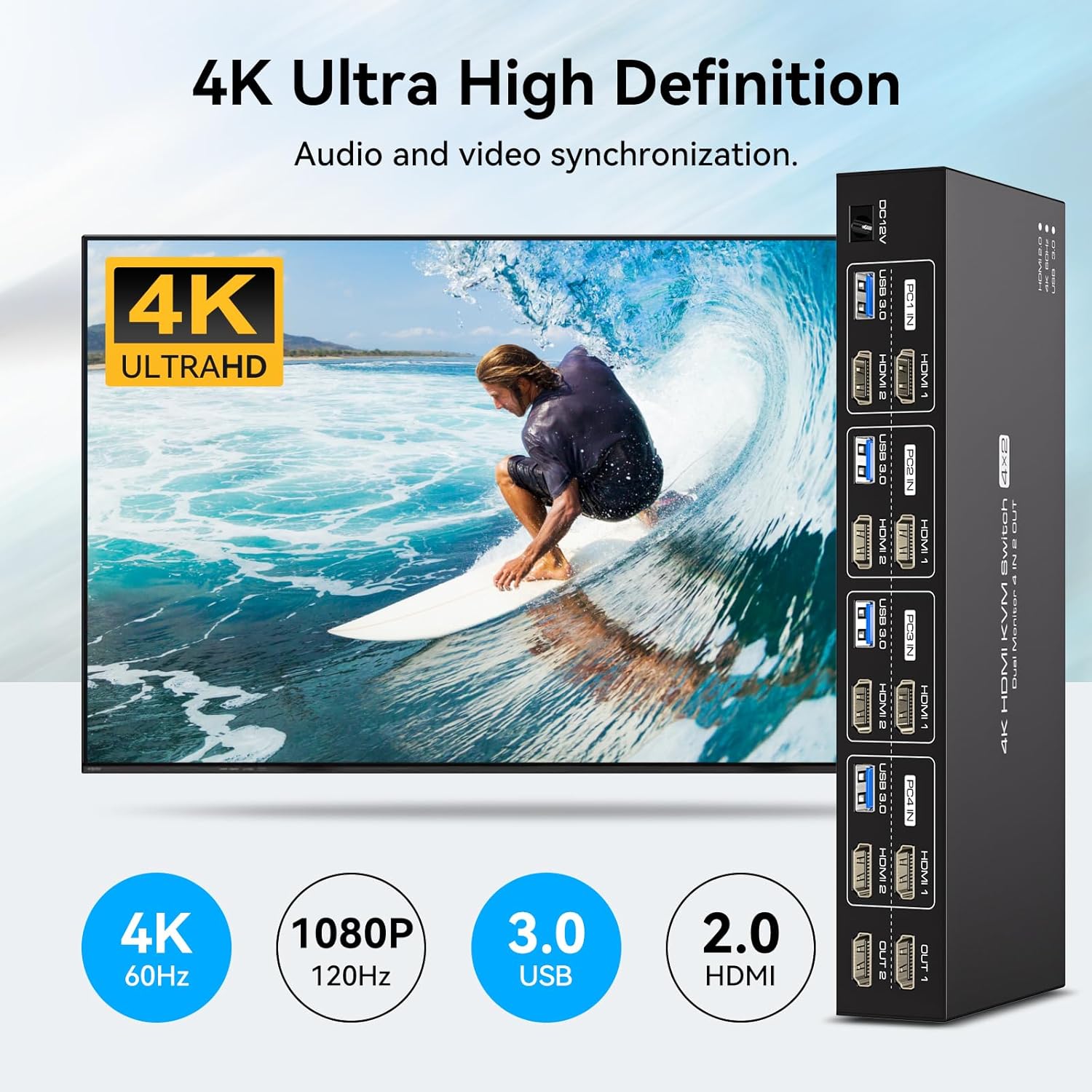
The physical build quality of the device is very good. It’s quite heavy, allowing it to stay in place on a smooth desk despite the lack of rubber feet or equivalent grip. The buttons on the front have a solid and mechanical feel to them, but they don’t feel cheap, and the click action is quite quiet. I’m also a fan of the way the USB ports are on the front but all the other ports (including the output ports) are all on the back, which allows for a much more successful arrangement from a cable management and tidy desk point of view. Switches where the output is on the opposite side to the input are almost impossible to tidy neatly, but that’s not the case here. And of course, with the infrared receiver as an option, you could alternatively tidy the switch away out of sight completely and just use the remote- though that’s an option I avoid as I’d keep losing the remote.
Two Windows 11 PC’s accept this device without any problems, acknowledging and updating the display arrangement whenever they detect that the monitor inputs have been switched either to or from their port. Windows itself takes a few seconds sometimes to get its head around where all the windows should go on-screen, so it’s not utterly instant, but that’s no fault of the device itself. I tested each of the four pairs of ports in turn and had no issues with it.
The aesthetic of the switch is quite smart and professional, with unusually no brand name on it at all. The text is nice and clear, and I like the way the product’s function and tech spec is expressed functionally but not messily.
The price for this switch isn’t showing on the site as I write this review, so I can’t comment on its value. Since dual monitor set-ups aren’t all that common (but I wouldn’t do without one nowadays), I imagine it’s a slightly niche product, especially with HDMI rather than DisplayPort connections, so perhaps it might be a little expensive, but I can’t say. For build quality and functionality though, I can’t fault it.















Report